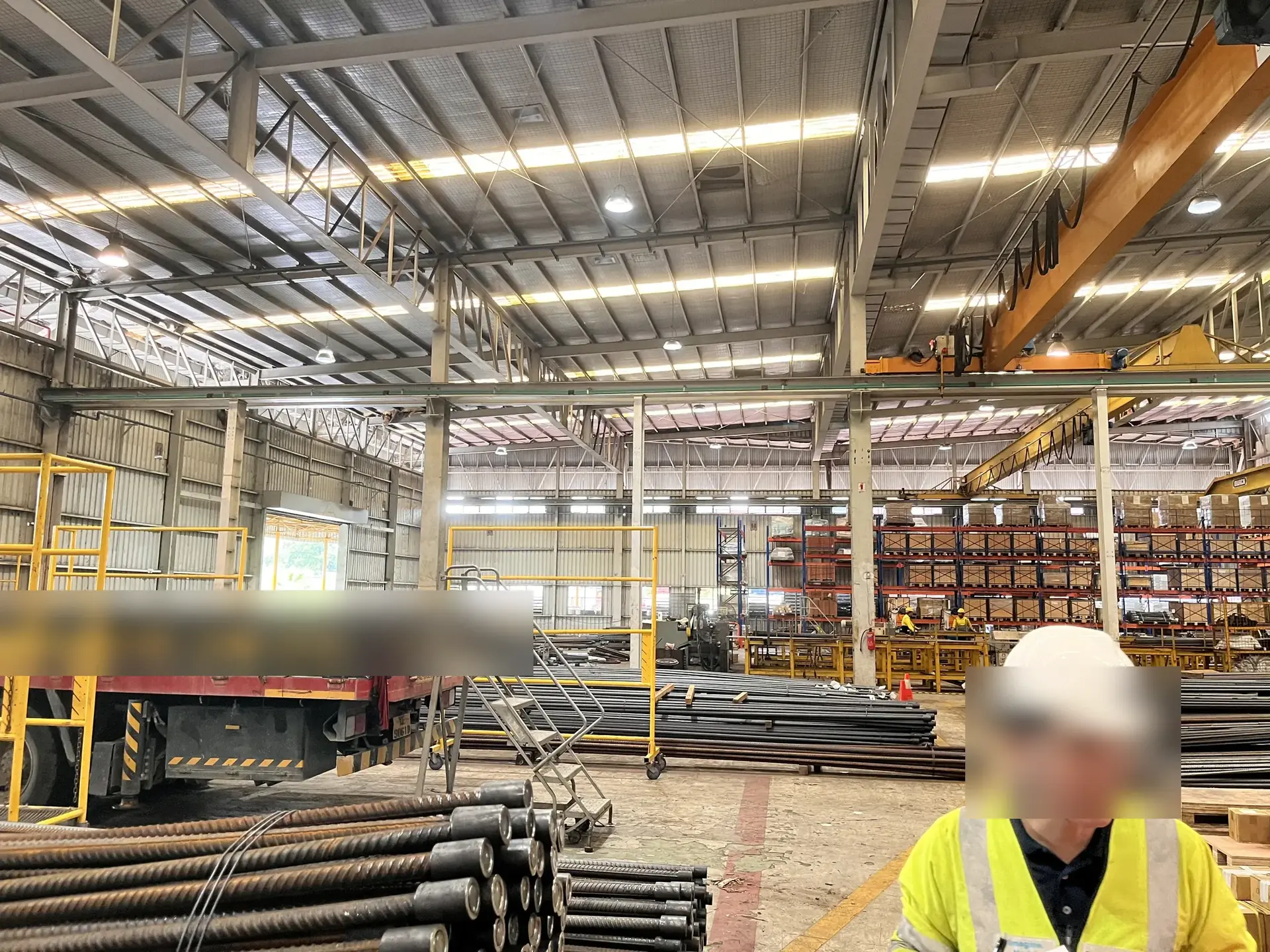
PPE slips when nobody is watching
Compliance peaks at the morning briefing and drifts through the shift. Each shortcut that goes unchallenged becomes the new normal, until an inspection or an incident shows how far the site has moved.
- Start-of-shift decayChinstraps loosen and glasses move to the hat brim by mid-afternoon.
- Subcontractor churnNew crews arrive faster than site rules can bed in.
- Heat and discomfortIn hot, humid work, helmets and harnesses are the first to go.
- Gaps between roundsA supervisor sees each zone for minutes a day. The risk runs all shift.
- Night and weekend shiftsThe same hazards with far fewer people watching.
How PPE detection works on your cameras
Step 1
Zones set with your team
PPE rules are drawn per camera against your risk assessments: helmet and vest site-wide, harness in height and lifting zones, gloves and eye protection at grinding and welding bays.
Step 2
Checked in context
A worker compliant in one zone is flagged on entering another where the rules change. Thresholds are tuned per camera for angle, lighting and distance.
Step 3
Alert in about a second
The supervisor for that zone gets the frame, camera and time on WhatsApp, Microsoft Teams, Telegram or email, while the worker is still there.
Step 4
Closure checked on camera
Each finding becomes a task with an owner. The camera that raised it confirms the fix.
What it detects, zone by zone
PPE is one of 45 risk types on the platform, and custom detections can be trained for your site. Each detection is switched on per camera, per zone and per shift.
Head and body
- Helmet or hard hat
- Hi-vis vest
- Safety harness
Hands and eyes
- Gloves
- Goggles and eye protection
- Rules for grinding and welding bays
Where it matters most
- Restricted and red zone entry
- Person under a suspended load
- Missing barricades near open edges
Rules that fit the site
- Different rules per zone
- Different rules per shift
- Tuned on your own footage
Measured on live sites
Each detection is logged with a frame, zone and time, so toolbox talks run on your own site's evidence and corrective actions target the real pattern.
60%
Fewer incidents and near misses
HDB public housing project in Singapore, delivered by Teambuild
8x
More observations than manual patrols
HDB public housing project in Singapore, delivered by Teambuild
54%
Fewer acknowledged findings, year two vs year one
Civil construction contractors
Detection runs at 95% recall and 80 to 90% accuracy, tuned per site and per risk type.
What happens after a hazard is found
The detections change by site. What happens after a detection stays the same.
Step 1
The alert reaches a person
WhatsApp, Teams or email and the dashboard, in about a second, with the frame and time.
Step 2
It becomes a task with an owner
Raised against its zone and routed to whoever is responsible for that area on that shift.
Step 3
Overdue cases escalate
An action left open past the window your HSE team sets moves up on its own.
Step 4
The fix is checked on the same camera
The feed that raised the finding verifies closure, and the pattern feeds the next briefing.
Runs on the cameras you already have
Any IP camera over RTSP or ONVIF connects. No new cameras or cabling for a standard deployment, and first alerts arrive within 48 hours of connecting cameras.
Cameras and alerts
- Existing CCTVFixed and PTZ cameras over RTSP or ONVIF. Positions are reviewed first, and we say if a view is too distant.
- Where your team worksWhatsApp, Microsoft Teams, Telegram, email and the dashboard, with escalation set per site.
- ReportsWeekly and monthly audit reports in PDF, Excel and Power BI.
Video and privacy
- Site server or cloudChosen site by site. With a site server, only events leave the site.
- The condition, without the identityDetection reads the condition in frame without identifying the person. Face recognition is off by default.
- Free footage reviewSend two hours of recorded footage. We return it annotated.
Common questions
Does PPE detection work on our existing CCTV?
Yes. Any IP camera over RTSP or ONVIF connects, which covers almost every modern installation. A standard deployment needs no new cameras or cabling. We review camera positions first, and tell you before anything starts if a view is too distant or blocked.
Which PPE types can it detect?
Helmets and hard hats, hi-vis vests, safety harnesses, gloves, and goggles or eye protection, alongside restricted zone entry. Each one is switched on per zone, so a lifting bay can require a harness while the rest of the site requires helmet and vest.
How accurate is it?
Detection runs at 95% recall and 80 to 90% accuracy, tuned per site and per risk type. Each camera is tuned to its own angle, lighting and distance, and your team marks findings so inaccurate ones retrain the models.
Does it identify individual workers?
No. It flags that someone in a zone is missing PPE without establishing who they are. Face recognition is an optional module, off by default, and reports are by area, crew and condition.
How fast are alerts?
About a second from detection to the alert reaching WhatsApp, Microsoft Teams, Telegram or email, along the escalation chain you set per site. A supervisor can act while the worker is still in the zone.
How long does deployment take?
First alerts arrive within 48 hours of connecting your cameras. Zone rules and thresholds are then tuned with your safety team on site. Before any pilot, send two hours of recorded footage and we return it annotated.
Talk to our team
Questions, pricing, a pilot, or a free footage review on your own cameras. Tell us what you need and we come back with next steps.